The precision level, reimagined
Turn your iPhone into an aerospace-grade precision instrument. Check surfaces, verify plumb walls, calibrate once, and save measurements — all in a calm, beautifully crafted interface.
When you find true level, the interface shifts to a calm, luminous green — the zen moment of perfect alignment.
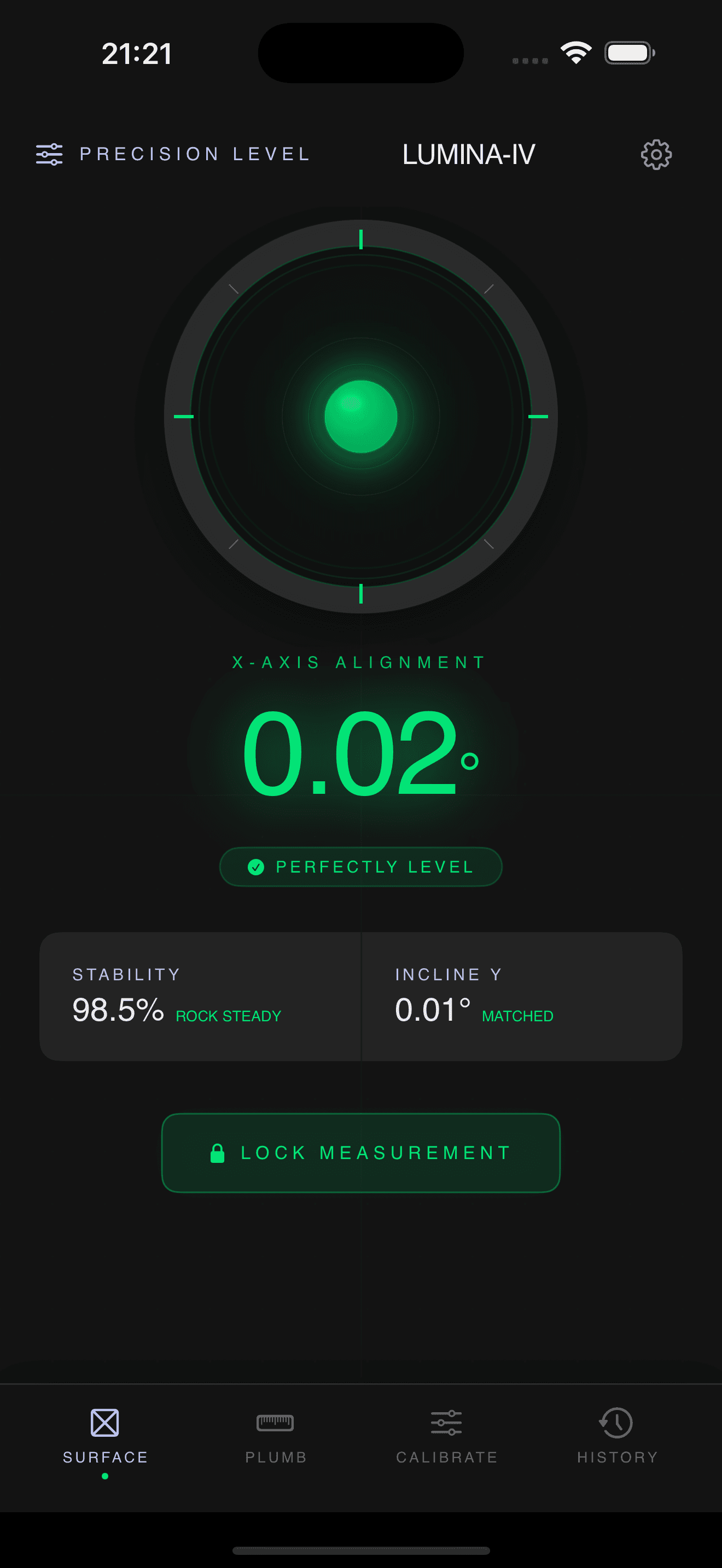
Designed like a real instrument
Every pixel is crafted with the quiet beauty of a machinist's tool
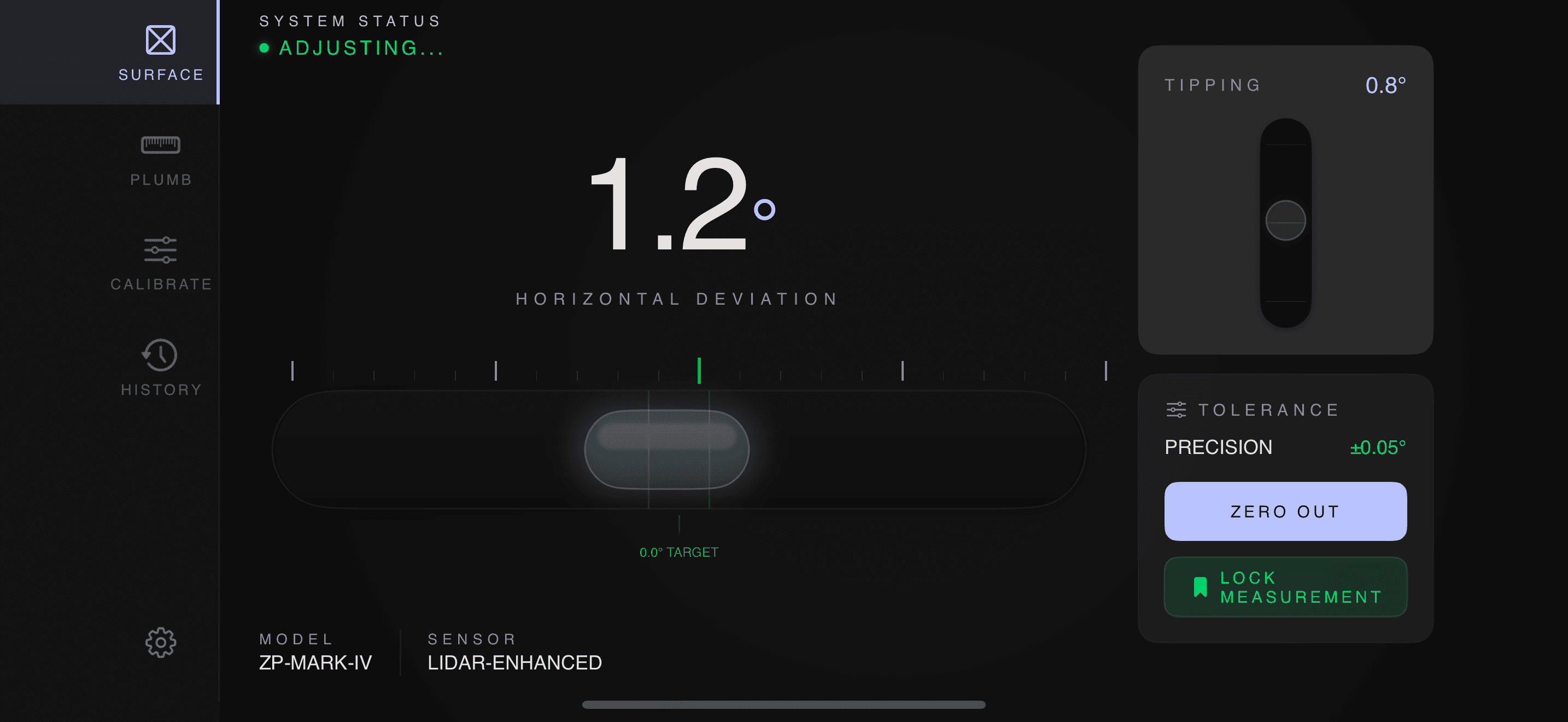
Landscape horizontal vial for shelves and edges
Four measurement modes
Everything a precision level needs, nothing more
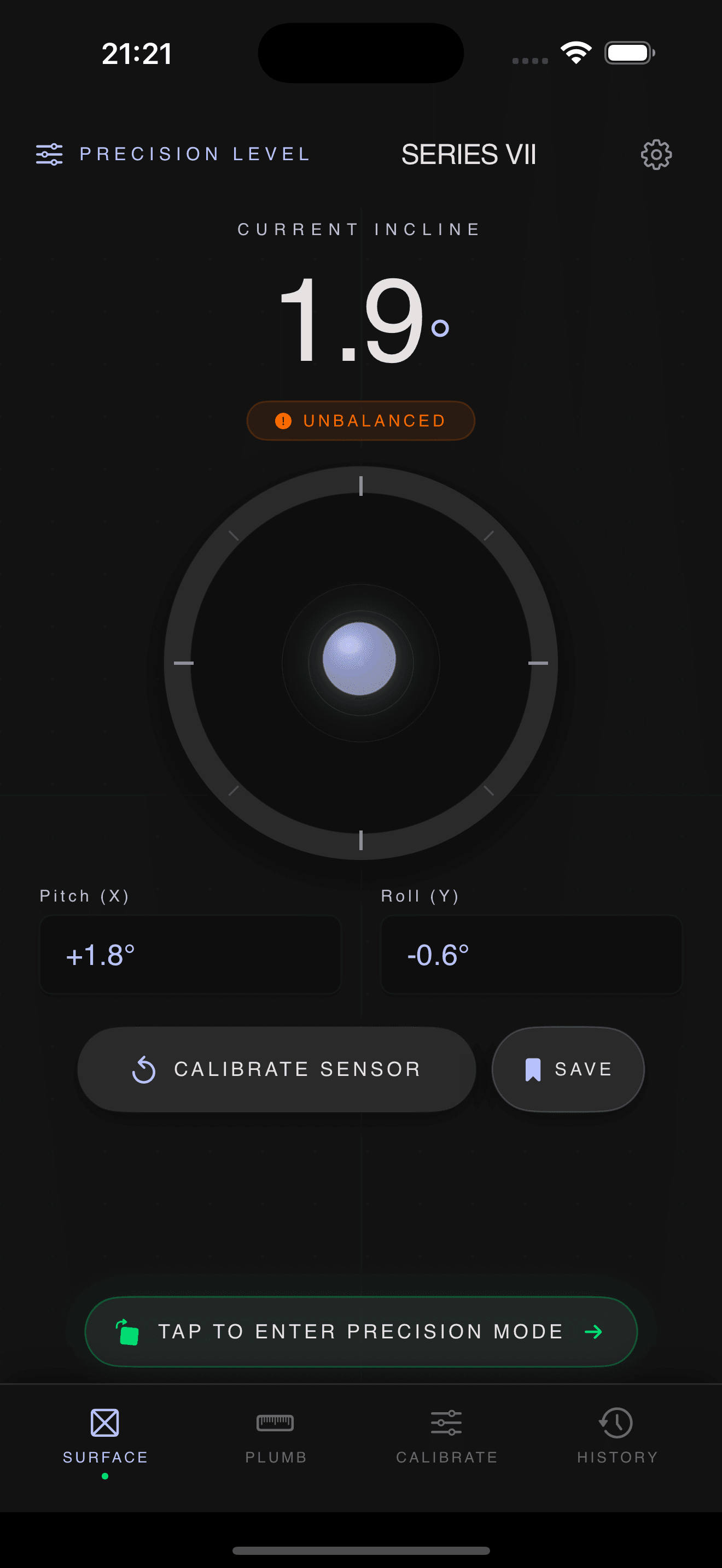
SURFACE
Lay your iPhone flat on a surface to measure inclination. Two-axis bubble instrument with smooth rolling-digit readouts.
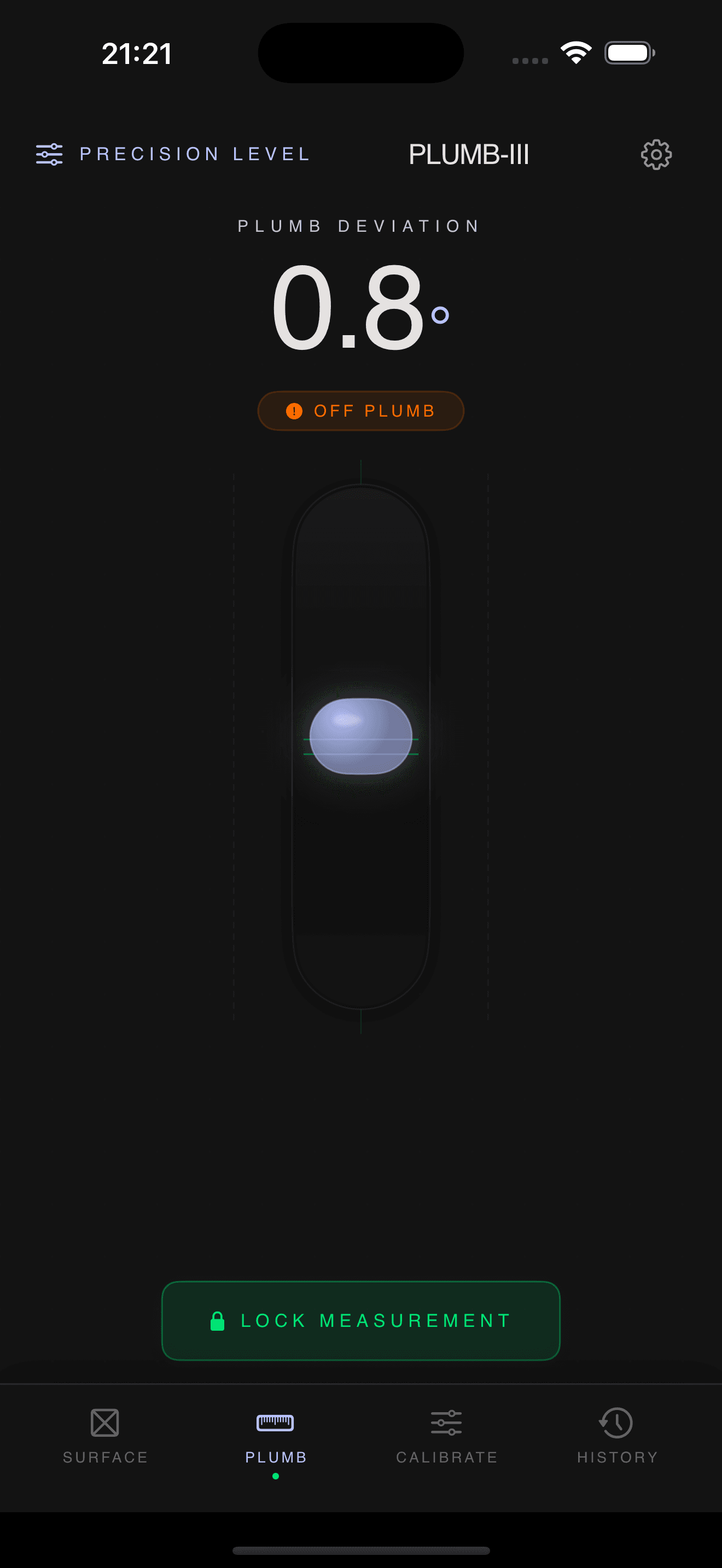
PLUMB
Press the back of your phone against a wall to check if it's truly vertical. Includes a hold-posture indicator.
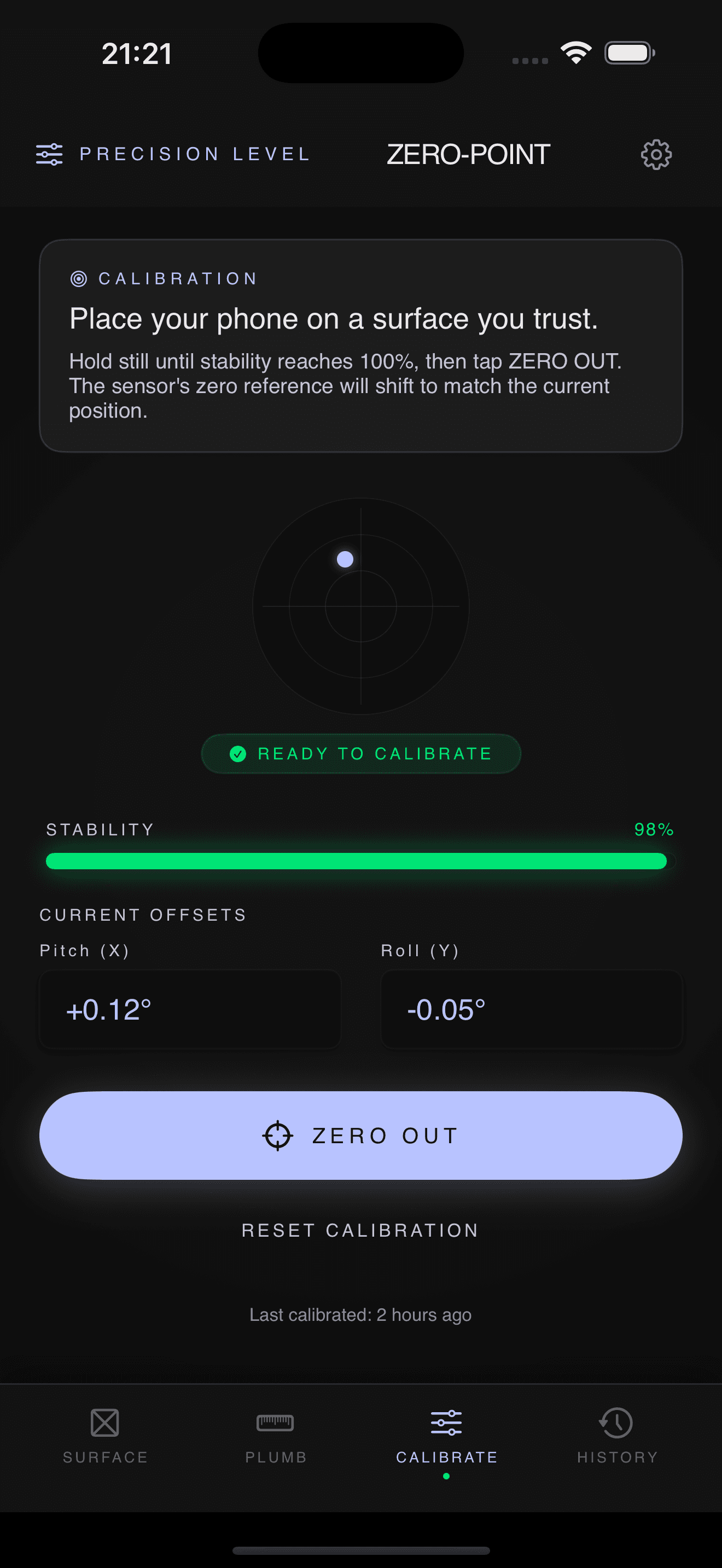
CALIBRATE
Zero out sensor drift on a known-flat reference. Calibration offsets persist across launches — do it once.
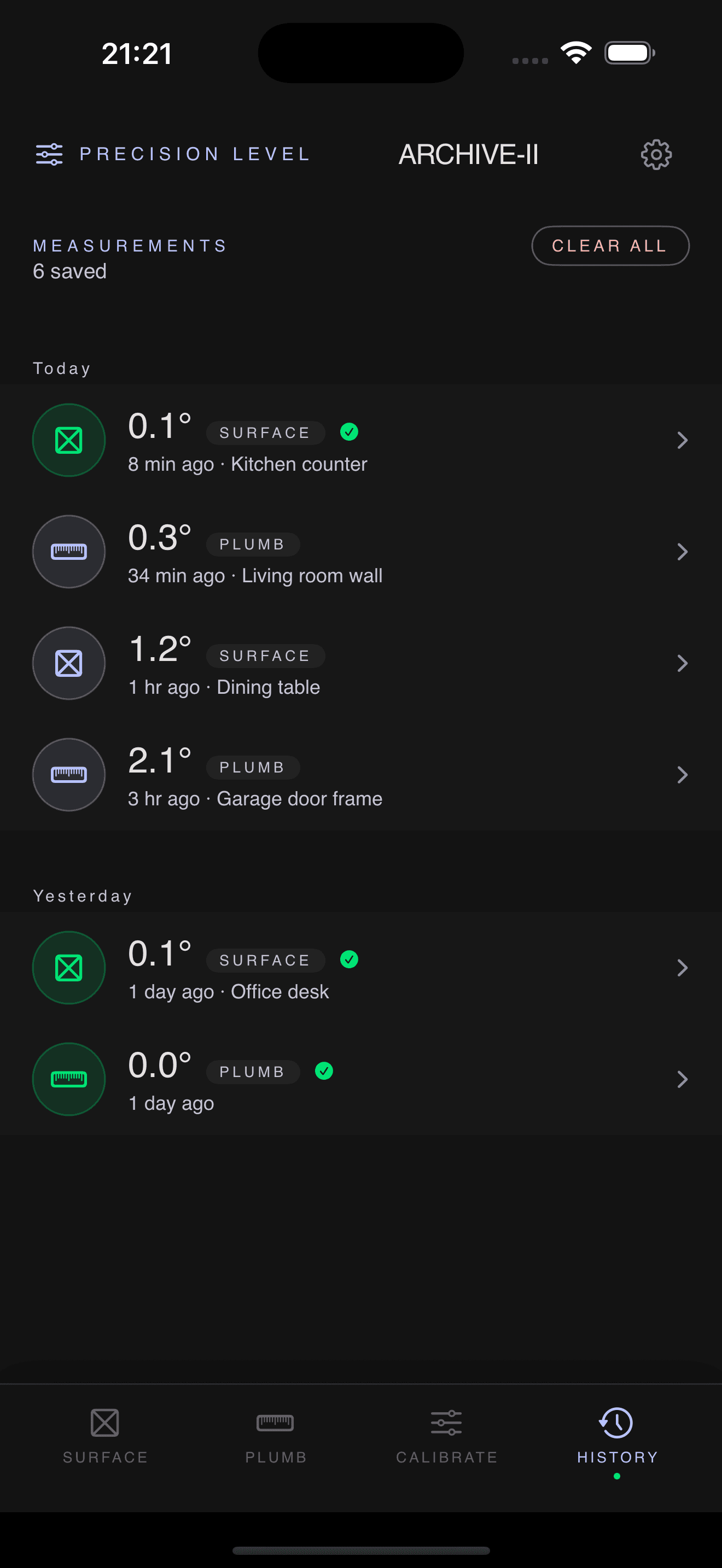
HISTORY
Lock any measurement into an elegant log, grouped by day, with editable notes and swipe-to-delete.
Built like a real tool
Quiet, precise, and private by design
Landscape Mode
Rotate your iPhone to use a long horizontal bubble vial, optimized for picture frames, shelves, and countertops along their length.
Tactile Haptics
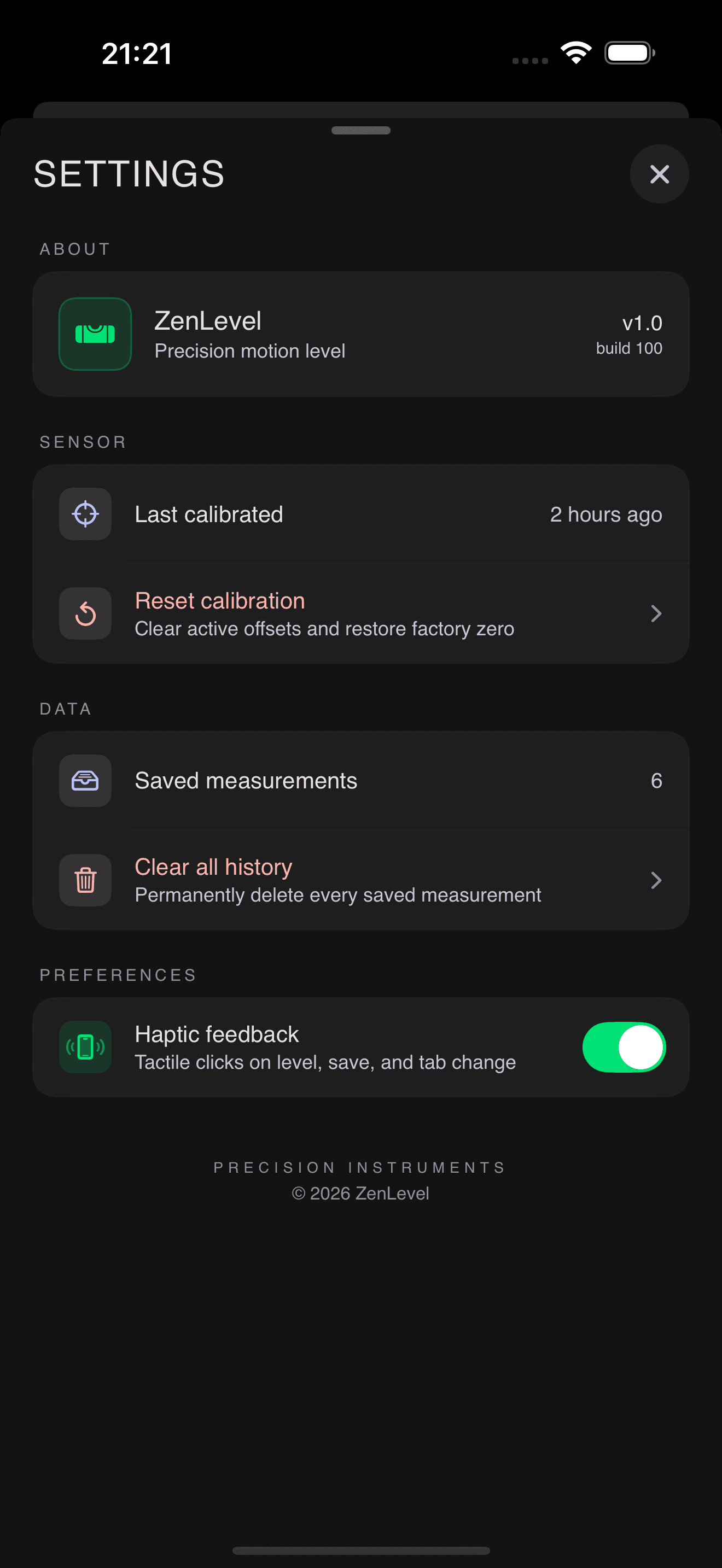
Gentle Taptic feedback when you reach perfect level, save a measurement, change tabs, or calibrate successfully.
0.1° Precision
Measurements accurate to one tenth of a degree, with smooth digit transitions that feel like a laboratory instrument.
Rotation Lock Aware
Automatically detects when iOS rotation lock prevents the interface from rotating, and guides you to unlock it.
Private by Design
No accounts, no cloud sync, no analytics, no network requests. Every measurement stays on your device.
Adaptive App Icon
Beautiful light and dark app icons that automatically match your iOS appearance setting.
How it works
Point. Press. Save. It's that simple.
Calibrate once
Place your phone on a surface you trust to be flat, wait for the stability meter to fill, then tap ZERO OUT.
Measure anything
SURFACE for horizontal things, PLUMB for vertical things. The reading is live and smoothly animated.
Lock it in
Tap LOCK MEASUREMENT to save the reading with a timestamp and optional note. Review anytime in HISTORY.
Precision you can feel
Download ZenLevel and turn your iPhone into the precision level you'll actually enjoy using.
Download from App Store